Get started with Meta Ray-Ban Display and Meta Neural Band
GET STARTED WITH
Meta Ray-Ban Display and Meta Neural Band
Discover the cutting edge of wearable AI technology. Learn how to set up Meta Ray-Ban Display, find the optimal fit for Meta Neural Band, unlock new experiences with the Meta AI mobile app, and more. Let’s go!
STEP 1
Open the box
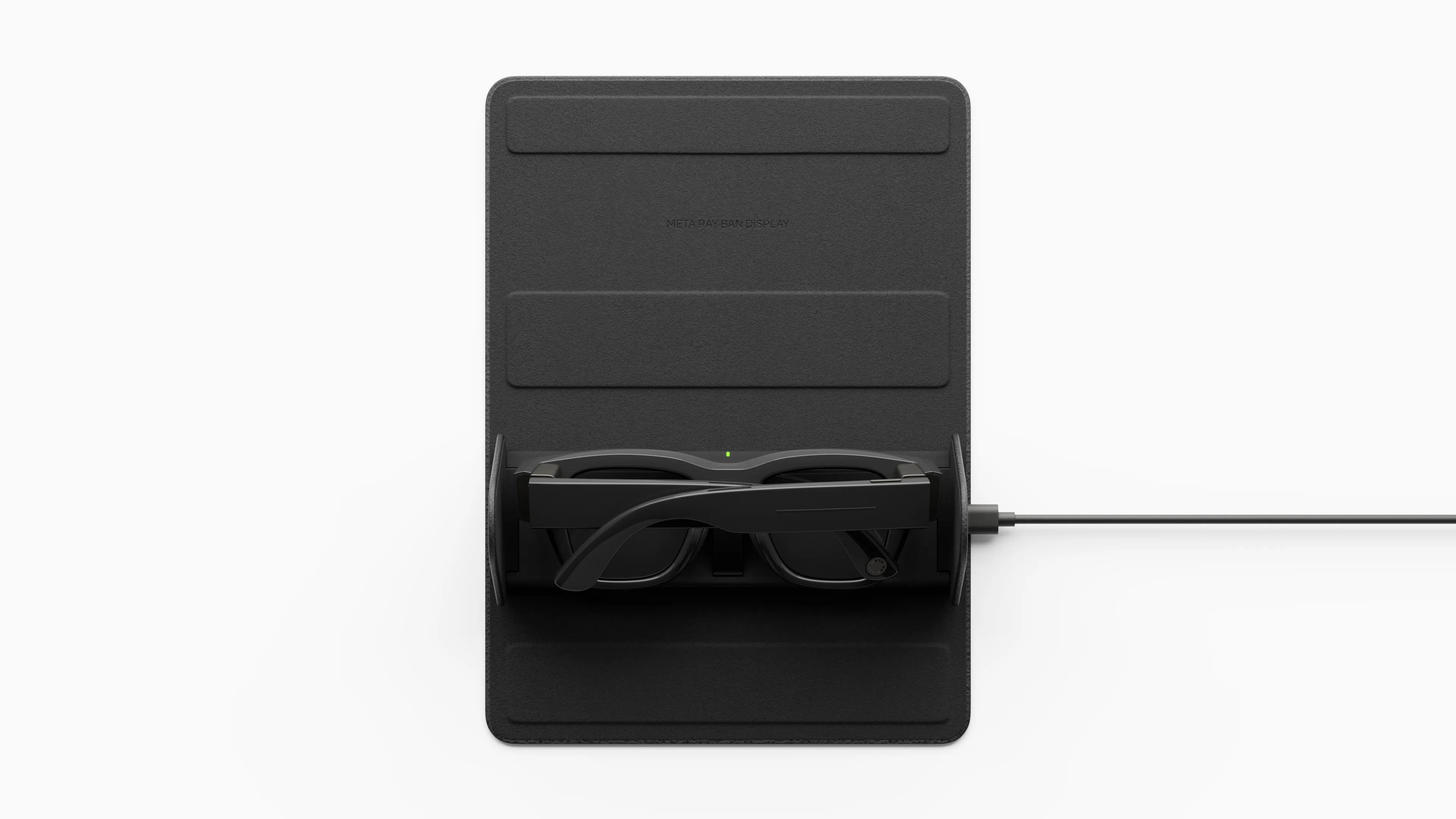
Take a look at what comes with Meta Ray-Ban Display and Meta Neural Band. We’ll review the different buttons and LEDs, as well as how to turn your devices on and off.
Learn about your devices
STEP 2
Pair with the Meta AI mobile app
With the Meta AI mobile app you can set up and manage your AI devices, import and share photos and videos, and get tailored answers, advice, inspiration and more. We’ll show you how to pair your devices so you can unlock the power of Meta AI on the go.
Learn how to pair your devices
STEP 3
Put on Meta Neural Band
Meta Neural Band uses industry-leading EMG technology to interpret the natural signals created by your muscle activity when you make certain gestures. We’ll show you how to wear Meta Neural Band and how to make gestures to control the world’s most advanced AI glasses.
Learn how to use Meta Neural Band
STEP 4
See the future
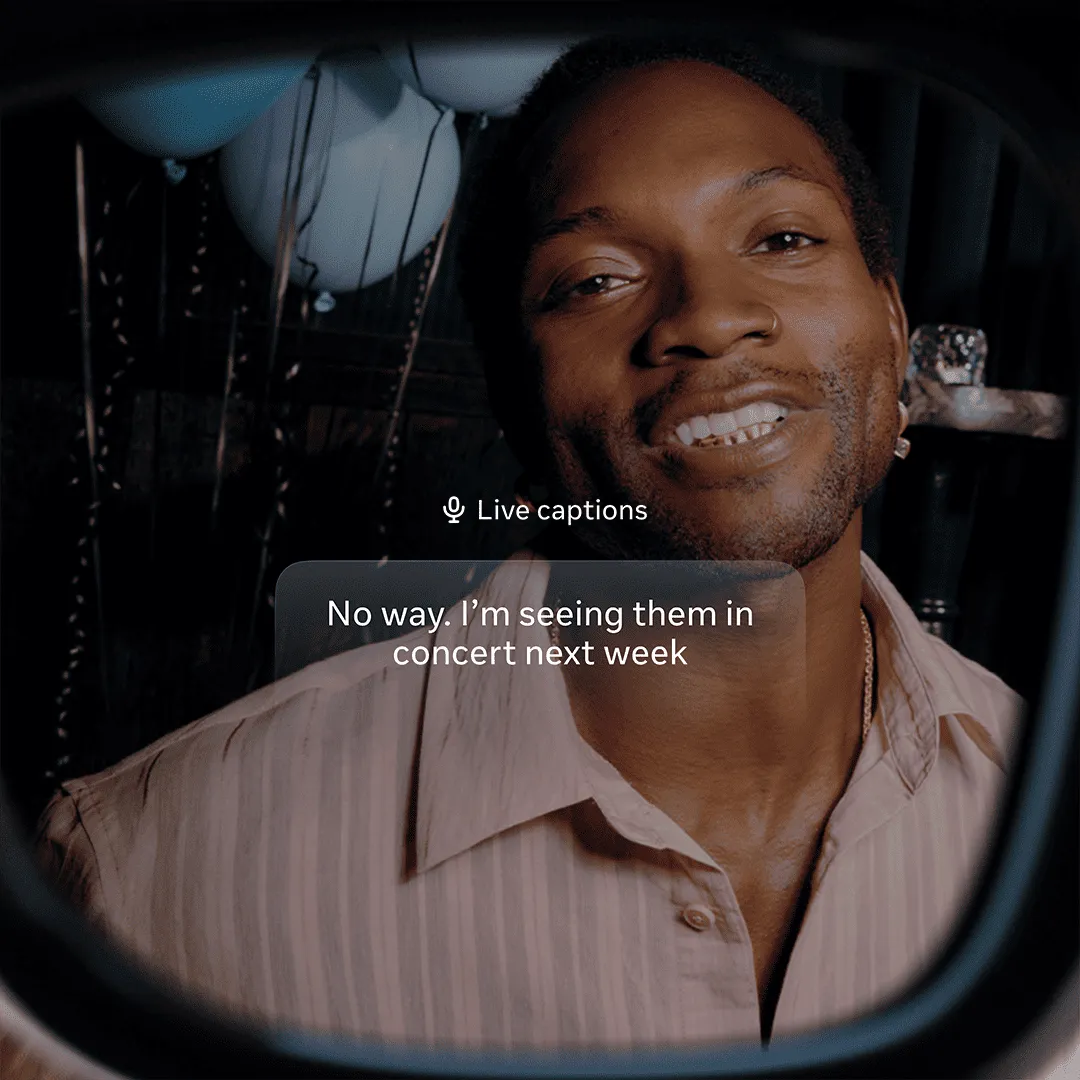
Meta Ray-Ban Display has a full-color display built into the right lens and a touchpad on the right frame you can also use to control your experience. Learn how to send and receive messages, translate and caption conversations live, collaborate with Meta AI and more, all while staying present.
Learn how to use Meta Ray-Ban Display
Features
Features
Want to learn more?
Discover what you can do with Meta Ray-Ban Display and Meta Neural Band
Browse articles and find answers in the AI glasses Help Center
Want to learn more?
Browse articles and find answers in the AI glasses Help Center